
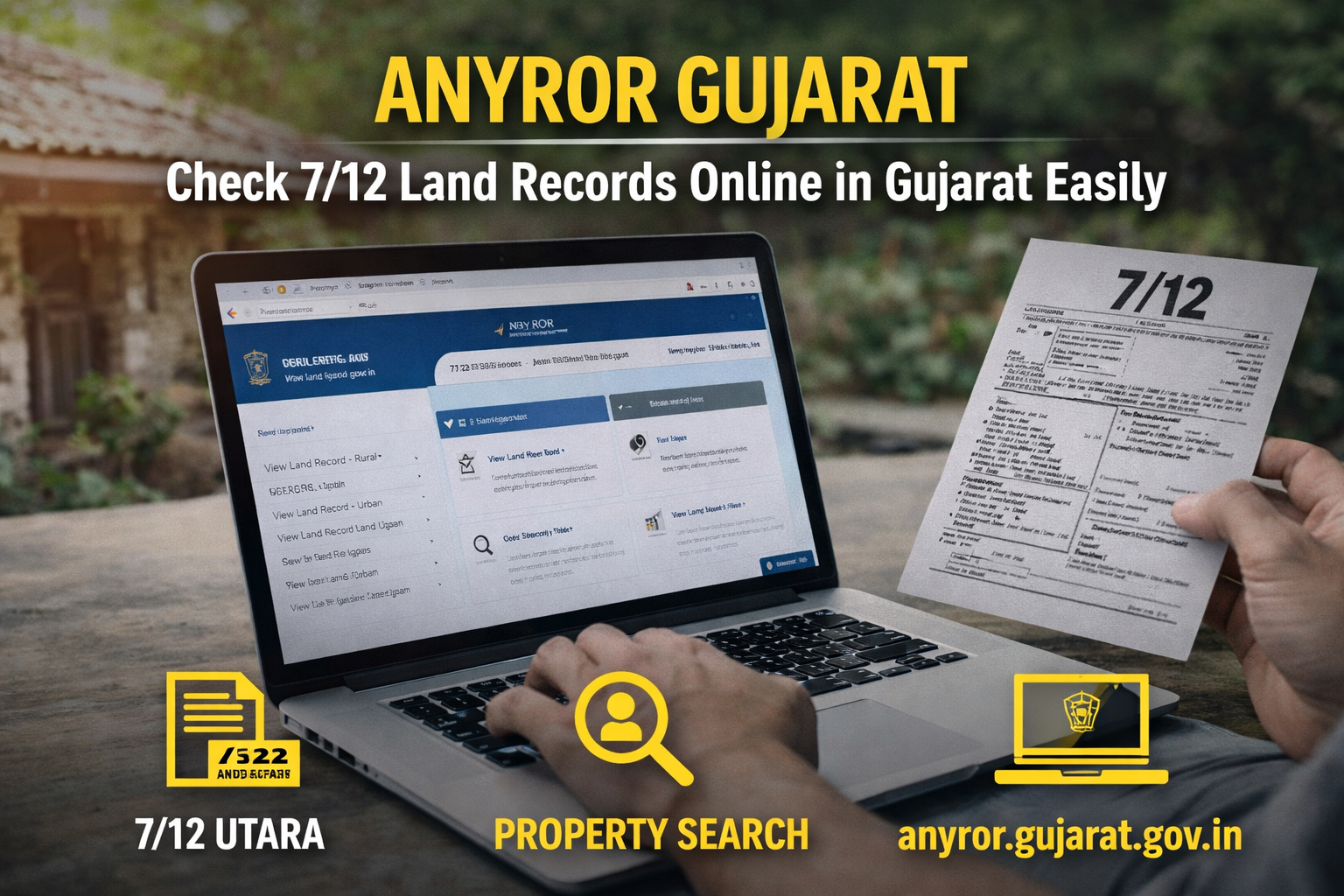
AnyROR Gujarat is the official online portal launched by the Gujarat Government to provide easy access to land records. Through the AnyROR Gujarat portal, users can check 7/12 Utara, 8A land records, property ownership details, and survey information online.
The portal, available at anyror.gujarat.gov.in, is part of the E-Dhara initiative aimed at digitizing land records and improving transparency.
What is AnyROR Gujarat?
AnyROR Gujarat stands for Any Record of Rights Anywhere in Gujarat. It allows citizens to access land record Gujarat details digitally without visiting government offices.
The platform offers services for both rural and urban land records, making it a powerful tool for buyers, investors, and property owners.
Key Features of AnyROR Gujarat
Easy Online Access
With AnyROR Gujarat, users can check land records anytime from anywhere.
Digital Land Records
The portal provides digital copies of:
- 7/12 Utara Gujarat
- 8A land records
- VF6, VF7, VF8A forms
Property Search Facility
Users can search property details using:
- Owner name
- Survey number
- Document number
Transparency & Security
AnyROR Gujarat ensures transparency in property ownership and reduces fraud risks.
Benefits of AnyROR Gujarat
Saves Time and Effort
No need to visit government offices—AnyROR Gujarat makes everything available online.
Helps in Property Verification
Before buying property, users can verify ownership details using AnyROR Gujarat.
Useful for Legal Purposes
Land records from AnyROR Gujarat are important for:
- Property disputes
- Loan approvals
- Ownership verification
How to Check 7/12 Utara on AnyROR Gujarat
Follow these steps to check land records using AnyROR Gujarat:
- Visit the official website anyror.gujarat.gov.in
- Select “View Land Record – Rural” or “Urban”
- Choose options like:
- VF7 Survey Number
- VF8A Khata Details
- Enter details like district, taluka, and village
- Click on “Get Record Details”
The land record details will appear on the screen.
How to Check Urban Land Records on AnyROR Gujarat
To check urban records via AnyROR Gujarat:
- Select “Urban Land Record”
- Enter survey number or owner details
- Fill required location details
- View property record instantly
Types of Records Available on AnyROR Gujarat
7/12 Utara Gujarat
Contains ownership, land type, and area details.
8A Land Records
Includes revenue and cultivation details.
VF6, VF7, VF8A Forms
Detailed village-level land record documents available on AnyROR Gujarat.
ULPIN in AnyROR Gujarat
AnyROR Gujarat now includes ULPIN (Unique Land Parcel Identification Number), a 14-digit code that uniquely identifies land parcels.
This system:
- Prevents fraud
- Ensures accurate mapping
- Improves land record transparency
⚠️ Common Mistakes to Avoid
While using AnyROR Gujarat, avoid these errors:
- Selecting wrong district or village
- Using outdated survey numbers
- Choosing wrong rural/urban option
- Entering incomplete details
Correct inputs ensure accurate results on AnyROR Gujarat.
📈 Importance of AnyROR Gujarat for Property Buyers
AnyROR Gujarat plays a crucial role in real estate:
- Verifies legal ownership
- Helps avoid fraud transactions
- Ensures clear property title
- Supports loan approval process
For buyers in Gujarat, checking AnyROR Gujarat is a must before property purchase.


Join The Discussion